# Overview

Blanks is dedicated to pushing the boundaries of on-chain applications, and Blanks Unlimited offers a glimpse of what's coming. This platform provides an enjoyable and inspiring way for anyone to create and inscribe high quality pixel art at a very low cost.

Similar to the Blanks Genesis collection, Blanks Unlimited uses [delegation](https://docs.blanks.is/blanks-genesis/replication#delegation) to save money and reduce complexity. And since it draws the image instead of relying on an uploaded file, the quality looks great at all sizes.

So how does it work?

## The Source Inscription

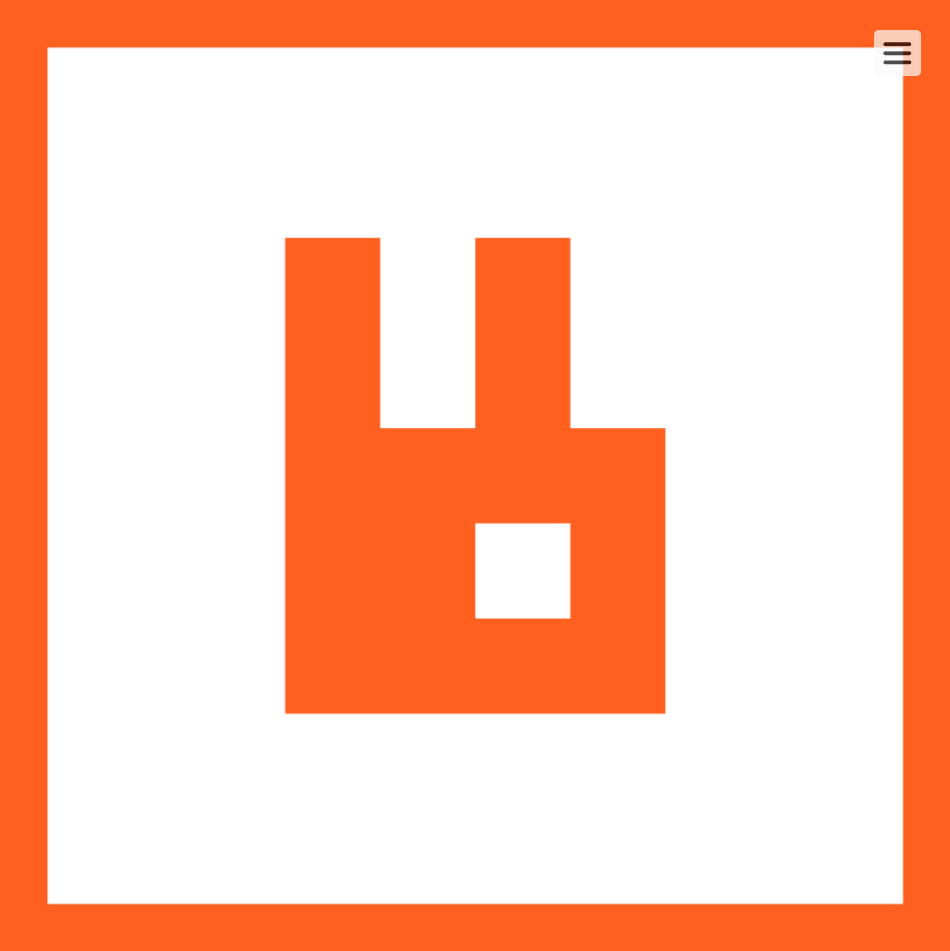
We've inscribed the Blanks Unlimited application at [**4fb16cb8362e117f671fdbc105d6738887cd58432d25cec328212e217426f4fdi0**](https://ordinals.com/inscription/4fb16cb8362e117f671fdbc105d6738887cd58432d25cec328212e217426f4fdi0). When you hover over this inscription you'll see a menu icon in the top right. Clicking on the menu icon opens up a canvas where you can create your own pixel art.

<figure><img src="https://1942432544-files.gitbook.io/~/files/v0/b/gitbook-x-prod.appspot.com/o/spaces%2FA8tWLjg1G4NYZIIc06mB%2Fuploads%2FR2wnBSG9h02bkLRWnzpZ%2Funlimited-menu.png?alt=media&#x26;token=f197e7e3-11e9-4181-8769-f0dfe6ea8e6c" alt=""><figcaption><p>The menu icon</p></figcaption></figure>

## The Canvas

The canvas is a simple tool for drawing single pixels or filling contiguous pixels with your chosen colors.

<figure><img src="https://1942432544-files.gitbook.io/~/files/v0/b/gitbook-x-prod.appspot.com/o/spaces%2FA8tWLjg1G4NYZIIc06mB%2Fuploads%2F4GWh5s3ywhFCovYd8X7G%2Funlimited-canvas.png?alt=media&#x26;token=98a1f3eb-cfb5-461c-bcca-53aa9a9ce3ff" alt=""><figcaption><p>The canvas</p></figcaption></figure>

<img src="https://1942432544-files.gitbook.io/~/files/v0/b/gitbook-x-prod.appspot.com/o/spaces%2FA8tWLjg1G4NYZIIc06mB%2Fuploads%2F2UKJfvkD5lKSJ6aSn6Sq%2Ficon-metadata.png?alt=media&#x26;token=ee26433b-6003-44af-8d92-d23ae964efd4" alt="" data-size="line">  ・  Copy the image metadata.

<img src="https://1942432544-files.gitbook.io/~/files/v0/b/gitbook-x-prod.appspot.com/o/spaces%2FA8tWLjg1G4NYZIIc06mB%2Fuploads%2F74jGXc6YlkIZKMsRuFSC%2Ficon-grid.png?alt=media&#x26;token=d939a698-e3ce-4b85-9451-d26e81c9cd36" alt="" data-size="line">  ・  Adjust the number of pixels in the grid and remove the border.

<img src="https://1942432544-files.gitbook.io/~/files/v0/b/gitbook-x-prod.appspot.com/o/spaces%2FA8tWLjg1G4NYZIIc06mB%2Fuploads%2F4CK3Fia6XXFkZt8mWTA1%2Ficon-selected.png?alt=media&#x26;token=2e1eddf4-17e8-4b16-9479-397d2393cdd3" alt="" data-size="line">  ・  The selected color. Click on this to choose a color.

<img src="https://1942432544-files.gitbook.io/~/files/v0/b/gitbook-x-prod.appspot.com/o/spaces%2FA8tWLjg1G4NYZIIc06mB%2Fuploads%2F2XLzdkTjtGUHeiY8hacq%2Ficon-fill.png?alt=media&#x26;token=4766d0c4-4928-4078-9f1f-b1f7c2787d09" alt="" data-size="line">  ・  Fill all contiguous colors with the selected color.

<img src="https://1942432544-files.gitbook.io/~/files/v0/b/gitbook-x-prod.appspot.com/o/spaces%2FA8tWLjg1G4NYZIIc06mB%2Fuploads%2FZL5KUTWbXoHKTqQhmvQK%2Ficon-pencil.png?alt=media&#x26;token=f0f25206-eb23-4335-9e59-1559b1bbf0ba" alt="" data-size="line">  ・  Draw a single pixel with the selected color, or change the border color.

<img src="https://1942432544-files.gitbook.io/~/files/v0/b/gitbook-x-prod.appspot.com/o/spaces%2FA8tWLjg1G4NYZIIc06mB%2Fuploads%2FlB7Pw5Odl6pInkc24RJD%2Ficon-clear.png?alt=media&#x26;token=1215085a-abe5-4116-92d8-b162e568b192" alt="" data-size="line">  ・  Clear the canvas.

<img src="https://1942432544-files.gitbook.io/~/files/v0/b/gitbook-x-prod.appspot.com/o/spaces%2FA8tWLjg1G4NYZIIc06mB%2Fuploads%2FSWBZnKnTChUlRACR3PlT%2Ficon-close.png?alt=media&#x26;token=0966404f-2c45-452e-a40f-a4e6e0a3775a" alt="" data-size="line">  ・  Close the overlay. **Warning**: This will clear any in progress drawing.

***

## Preferences

You can choose the number of pixels in the grid and add and remove the border using the grid settings.

<figure><img src="https://1942432544-files.gitbook.io/~/files/v0/b/gitbook-x-prod.appspot.com/o/spaces%2FA8tWLjg1G4NYZIIc06mB%2Fuploads%2FOQdHPhSpKLBS2rXNuh1y%2Funlimited-prefs.png?alt=media&#x26;token=7a850cf0-1518-42d1-986c-caf05cc003ed" alt=""><figcaption><p>Grid settings</p></figcaption></figure>

## Metadata

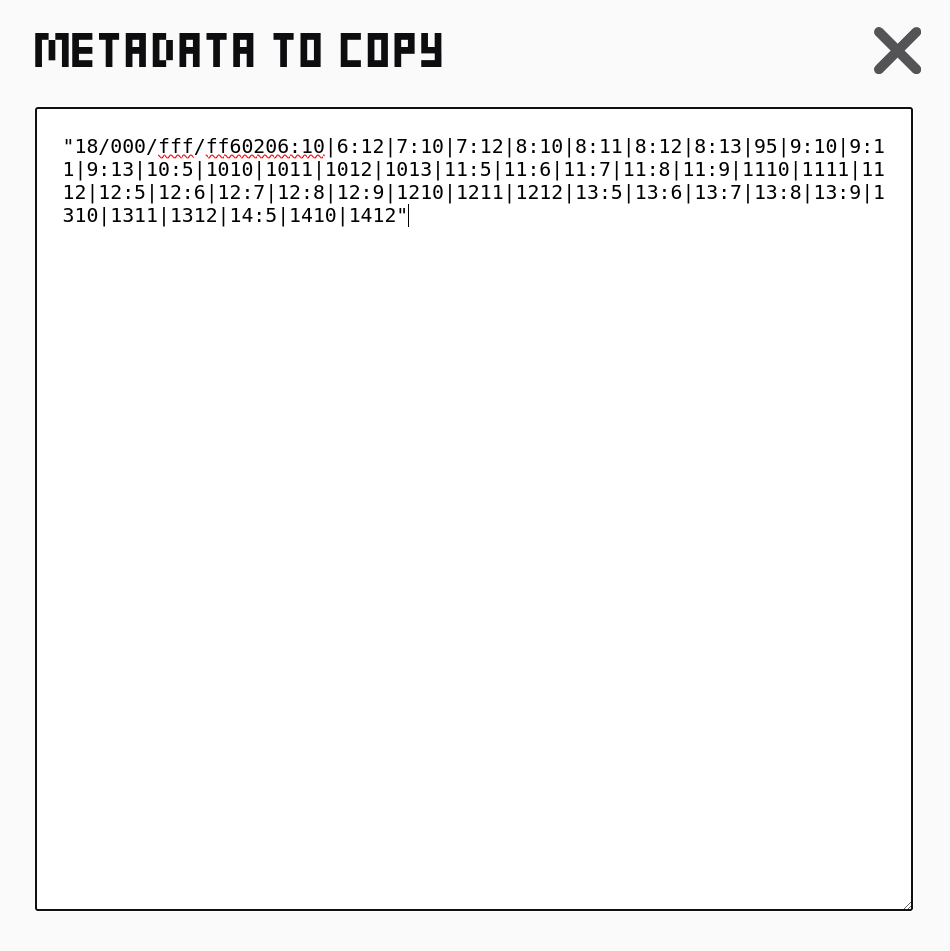
Once you're happy with your design, click the  <img src="https://1942432544-files.gitbook.io/~/files/v0/b/gitbook-x-prod.appspot.com/o/spaces%2FA8tWLjg1G4NYZIIc06mB%2Fuploads%2FWGM5VaFT77wzFs25Zoql%2Fimage.png?alt=media&#x26;token=82c4b364-fcdf-4ef9-ad8a-958ddcb75bc5" alt="" data-size="line">  icon which will either copy the metadata to your clipboard, or open up an overlay where you can manually copy it.

<div><figure><img src="https://1942432544-files.gitbook.io/~/files/v0/b/gitbook-x-prod.appspot.com/o/spaces%2FA8tWLjg1G4NYZIIc06mB%2Fuploads%2FAYbmSLuHghIBeGFtMjAo%2Funlimited-copied.png?alt=media&#x26;token=a81a1355-d867-4d3d-a284-3e3dfe34777d" alt="" width="375"><figcaption><p>Copied metadata</p></figcaption></figure> <figure><img src="https://1942432544-files.gitbook.io/~/files/v0/b/gitbook-x-prod.appspot.com/o/spaces%2FA8tWLjg1G4NYZIIc06mB%2Fuploads%2FYioah4AkI2jbBVnkfsNE%2Funlimited-metadata.png?alt=media&#x26;token=14eacc81-1132-4837-a88e-38c934b8dc01" alt="" width="375"><figcaption><p>Copyable metadata</p></figcaption></figure></div>

## Inscription

Next, use this metadata to save your art on-chain forever. Your inscription consists of two parts: the source inscription **4fb16cb8362e117f671fdbc105d6738887cd58432d25cec328212e217426f4fdi0** as the delegate, and the metadata you just copied.

We do not provide the tools to create your inscriptions. Instead we recommend you use a trusted 3rd party provider like [Chisel](https://docs.blanks.is/blanks-unlimited/inscription/via-chisel), or the less expensive [ord command line tool](https://docs.blanks.is/blanks-unlimited/inscription/via-ord-command-line) if you have the technical expertise.